Clarity When It Matters
Installers don’t need more updates. They need answers.
That’s why we’ve launched FOCUS.
FOCUS puts everything you need from Lister Windows in one place – one tap, no searching, no noise.
One tap. All the information you actually need.
Stop searching. Start installing.

What FOCUS is
FOCUS is not “another app” to download or learn.
FOCUS is:
It’s built to respect your time. Clear, quick, and easy to use.
Why we built FOCUS
We’ve simplified communication so our customers can find what they need faster.
No digging through emails. No hunting for links. No scrolling through pages trying to find the right document. An easy quick way to report any issues direct to use quickly.
FOCUS gives you clarity when you’re mid-job and need something now.
FOCUS: clarity on site.
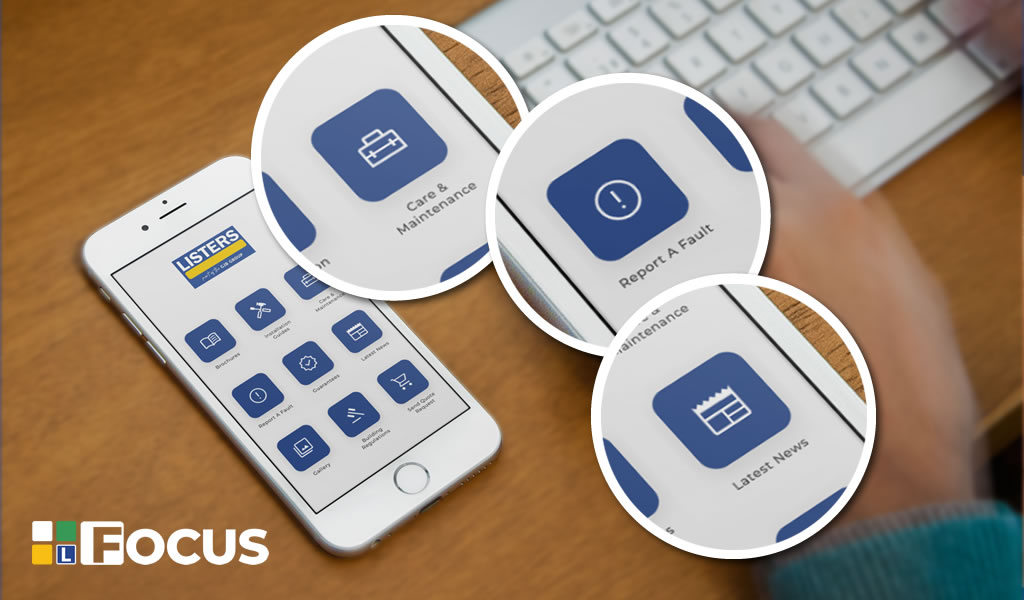
What you can access in FOCUS
FOCUS brings the trade essentials together, including:
Everything is organised to keep it simple and quick. You can find out more information about FOCUS here.
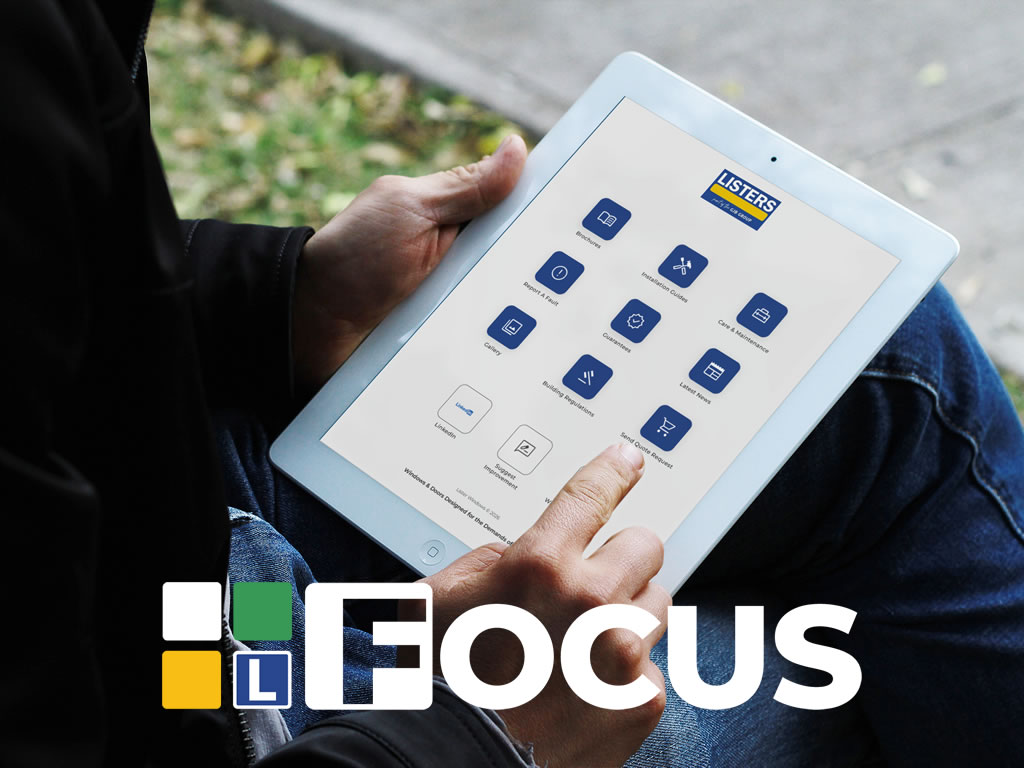
FOCUS supports you. Making things easier.
FOCUS enhances support – it does not replace Customer Service or your usual contact methods.
You can still call, email, and speak to the team exactly as you do today. FOCUS just helps you get to the right info faster.
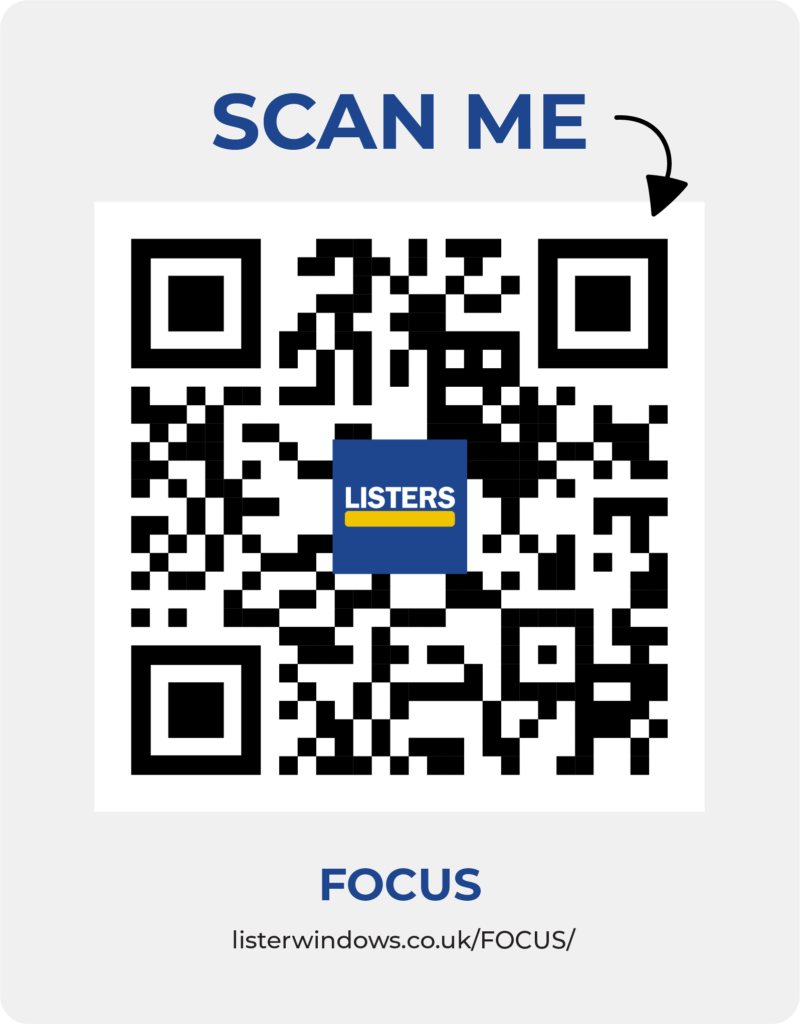
Get FOCUS on your phone
Scan the QR code to open FOCUS on your phone.
Or click the link:
listerwindows.co.uk/focus/
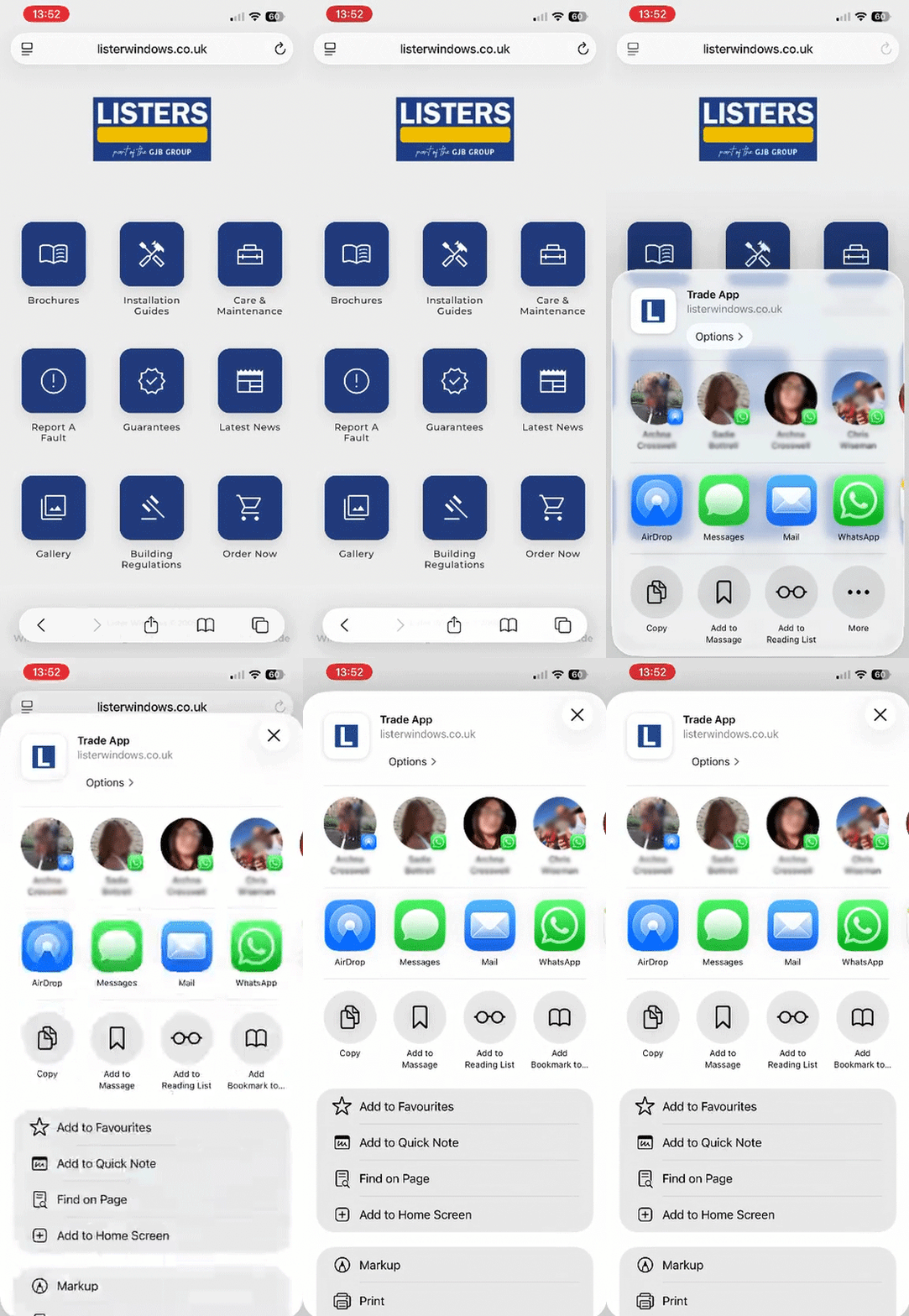
FOCUS works best when it’s pinned to your phone’s home screen.
On iPhone:
1. Open Safari
2. Go to listerwindows.co.uk/FOCUS
3. Tap the Share button
4. Tap Add to Home Screen
5. Tap Add
On Android:
1. Open Chrome
2. Go to listerwindows.co.uk/FOCUS
3. Tap the three dots (top right)
4. Tap Add to Home screen
5. Tap Add